Edit Member's role in Workspace
Last updated: July 28, 2026
You can change the role of an existing Member in a Workspace between Admin, Collaborator, Contributor and Viewer.
In order to edit a Member’s role in a Workspace, user's role must be Admin.
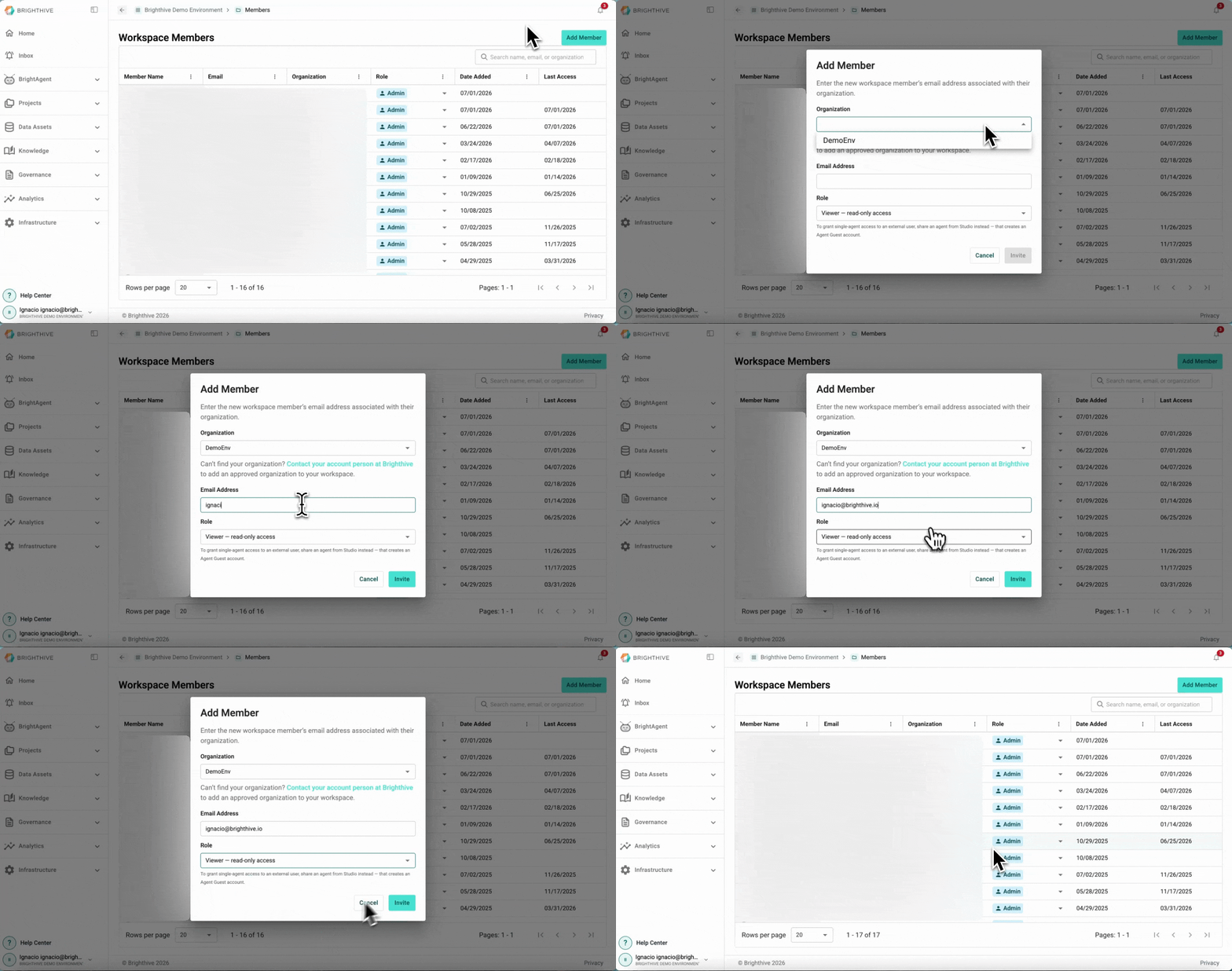
To add a new Members to an existing Workspace:
Click your name on the bottom-left corner of the platform
Click "Members"
From the list of all the Members, go to the row of the Member you wish to edit, click the current role
Select the new role you wish to give the Member from the list deployed
Note: Only the owner of the Workspace can change a Member's role to Admin