View My Organization Details
Last updated: July 28, 2026
My Organizations can be found in the bottom-left corner of the workspace, under the name drop menu. My Organizations is visible to members with Admin, Collaborator, and Viewer permissions.
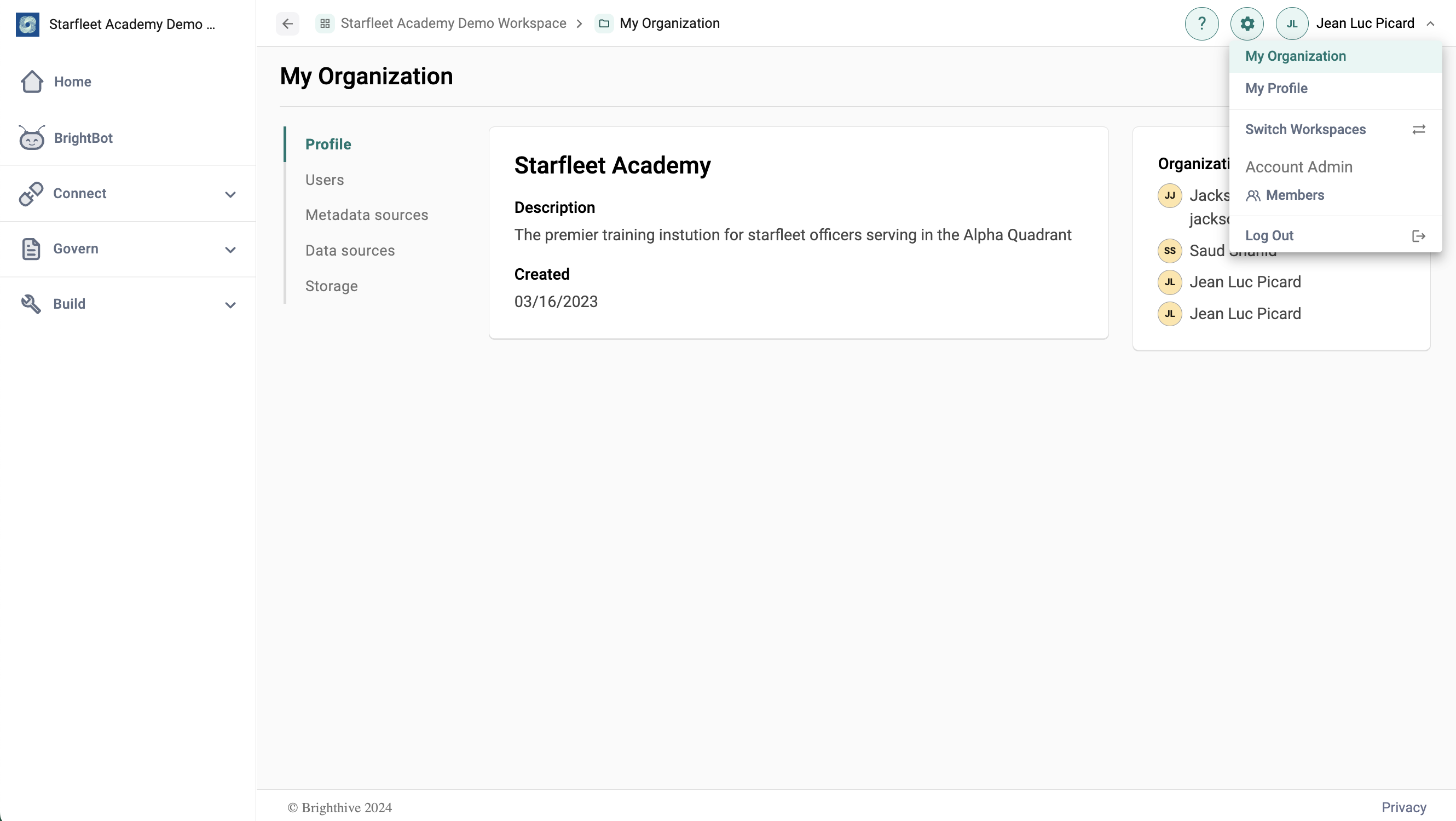
The My Organizations page allows users to view and update organization specific details within their Brighthive Workspace. The page is broken into five tabs; Profile, Users, Metadata Sources, Data Sources, and Storage.
The Profile tab shows organization details, including name, description, date created, and Workspace Admins that belong to the organization.
The Users tab shows a full list of members within the organization, including their emails, number of assets and projects managed, number of Workspace, the date they were added, and their status.
The Metadata and Data Sources tabs show details on the organization's metadata and data storage, including service type, sync cadence, and status.
The Storage tab shows details for the organization cloud data storage.