View all Workspace Members
Last updated: July 28, 2026
Members are visible to members with Admin, Collaborator, and Viewer permissions.
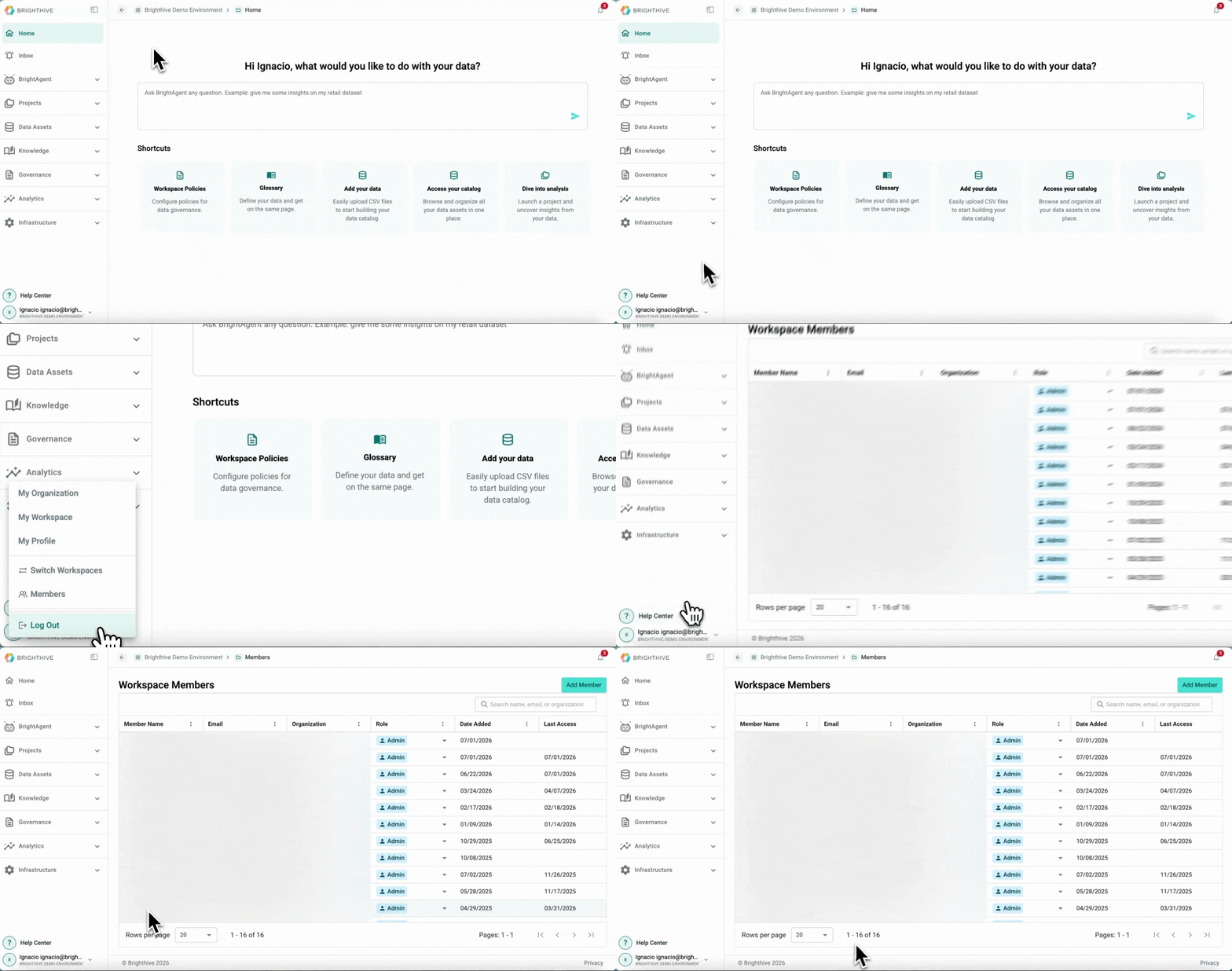
To access all the Members of a Workspace:
Click your name on the bottom-left corner of the platform
Click "Members"
In this view, you can access the following information about each Member:
Name
Email
Organization
Role
Date Added
Last Access
Member Status
Actions