View My Profile information
Last updated: July 28, 2026
My Profile can be found in the bottom-left corner of the Workspace, under the name drop menu. My Profile is visible to all Workspace members.
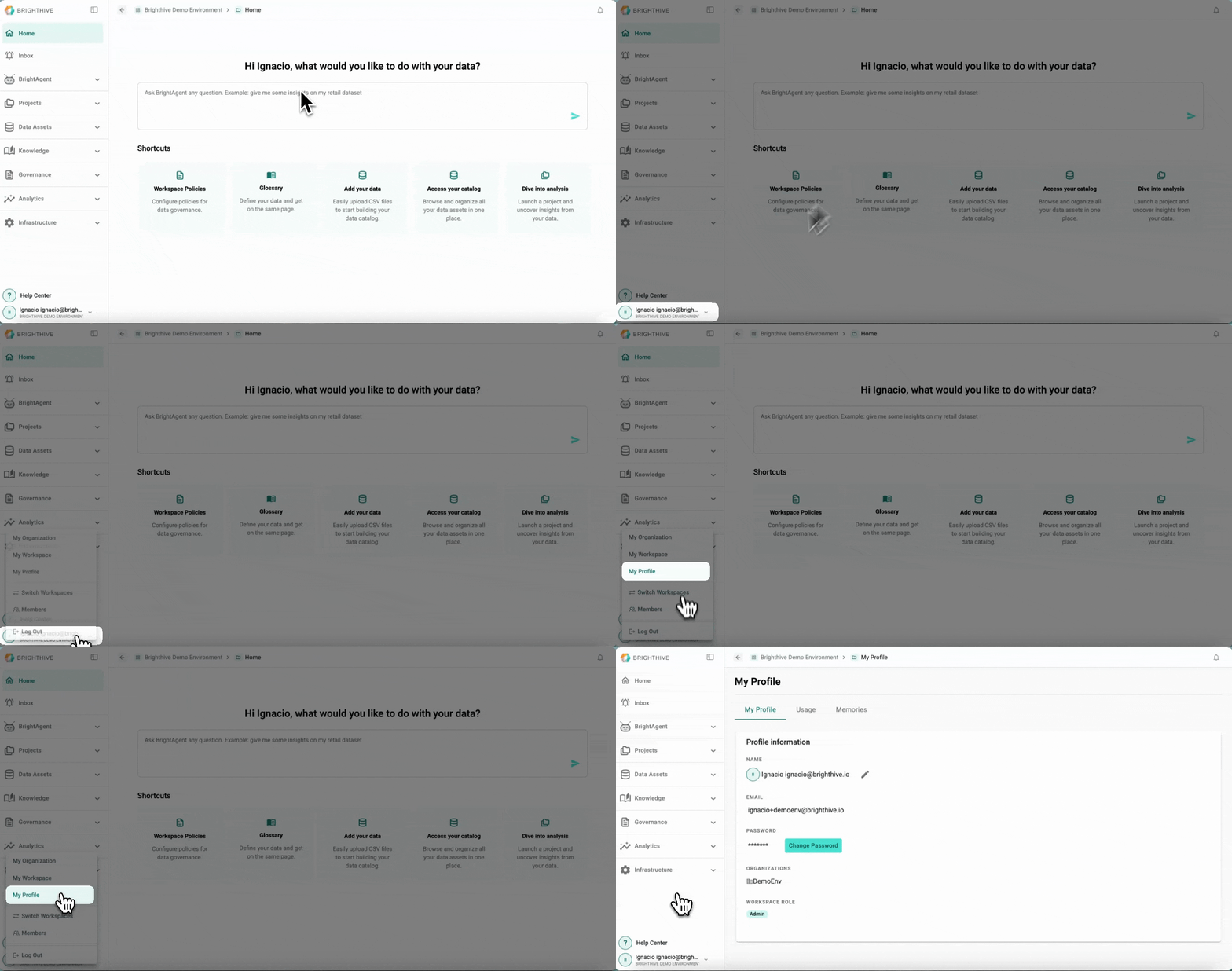
To access My Profile Information:
Click your name on the bottom-left corner of the platform
Click "My Profile"
The My Profile page allows users to view the following information of their profile within the Brighthive workspace:
Name
Email
Organizations
Role
Usage
Memories