Link a Schema or Term to a current Document
Last updated: July 28, 2026
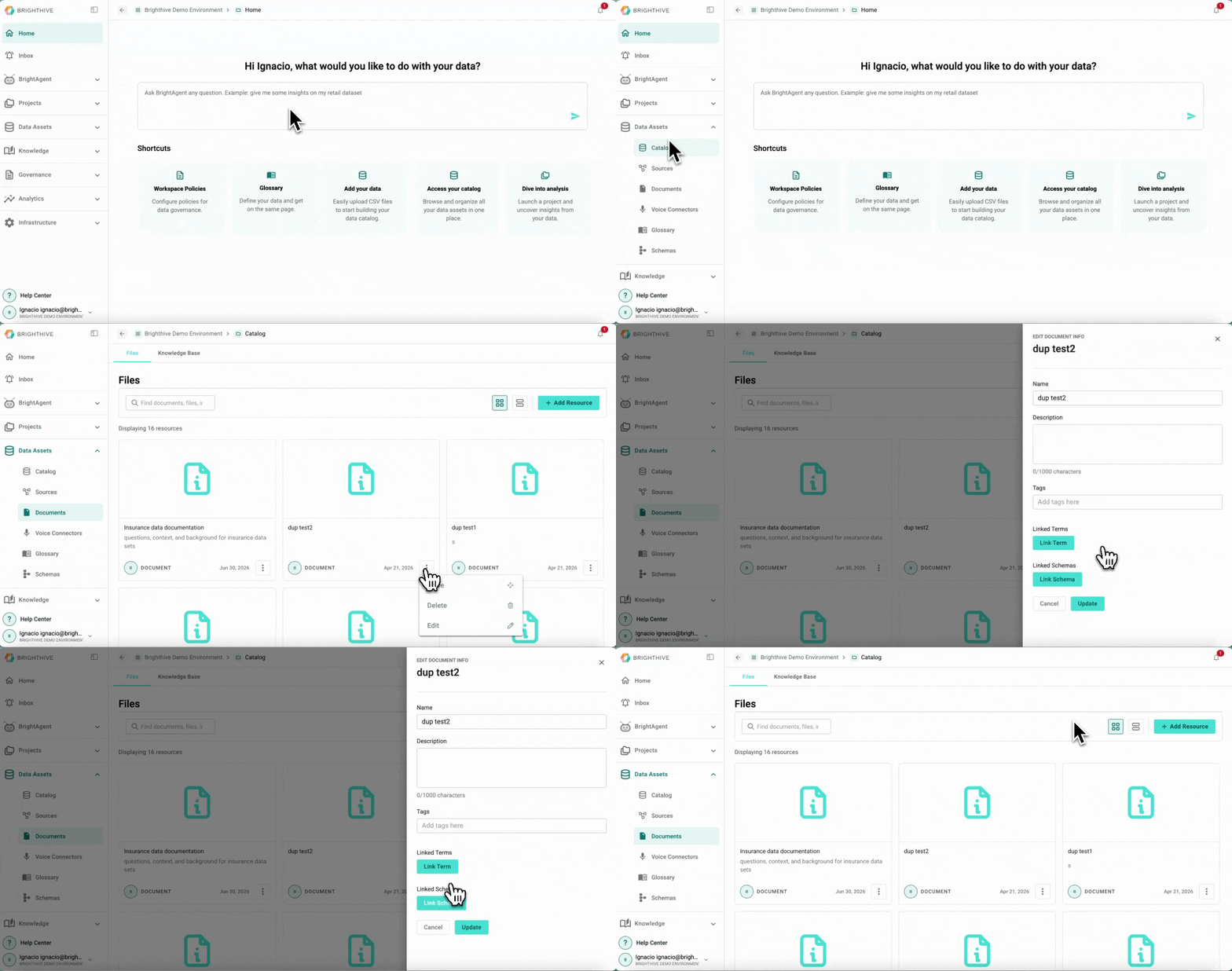
Once a Document has been added to the Workspace, users can link them to a Schema or Term.
To link an existing Document in your Workspace to a Schema or Term:
Click "Data Assets"
Click "Documents"
Click "..." of the Document you wish to edit
Click "Edit" from the list displayed
Click either "Link Schema" or "Link Term"
Select the Schema or Term to link
Confirm by clicking "Link with Resource"