View details of all existing Custom Agents
Last updated: July 28, 2026
Studio landing page
The Studio landing page provides a visual overview of all the Custom Sgents in the Workspace.
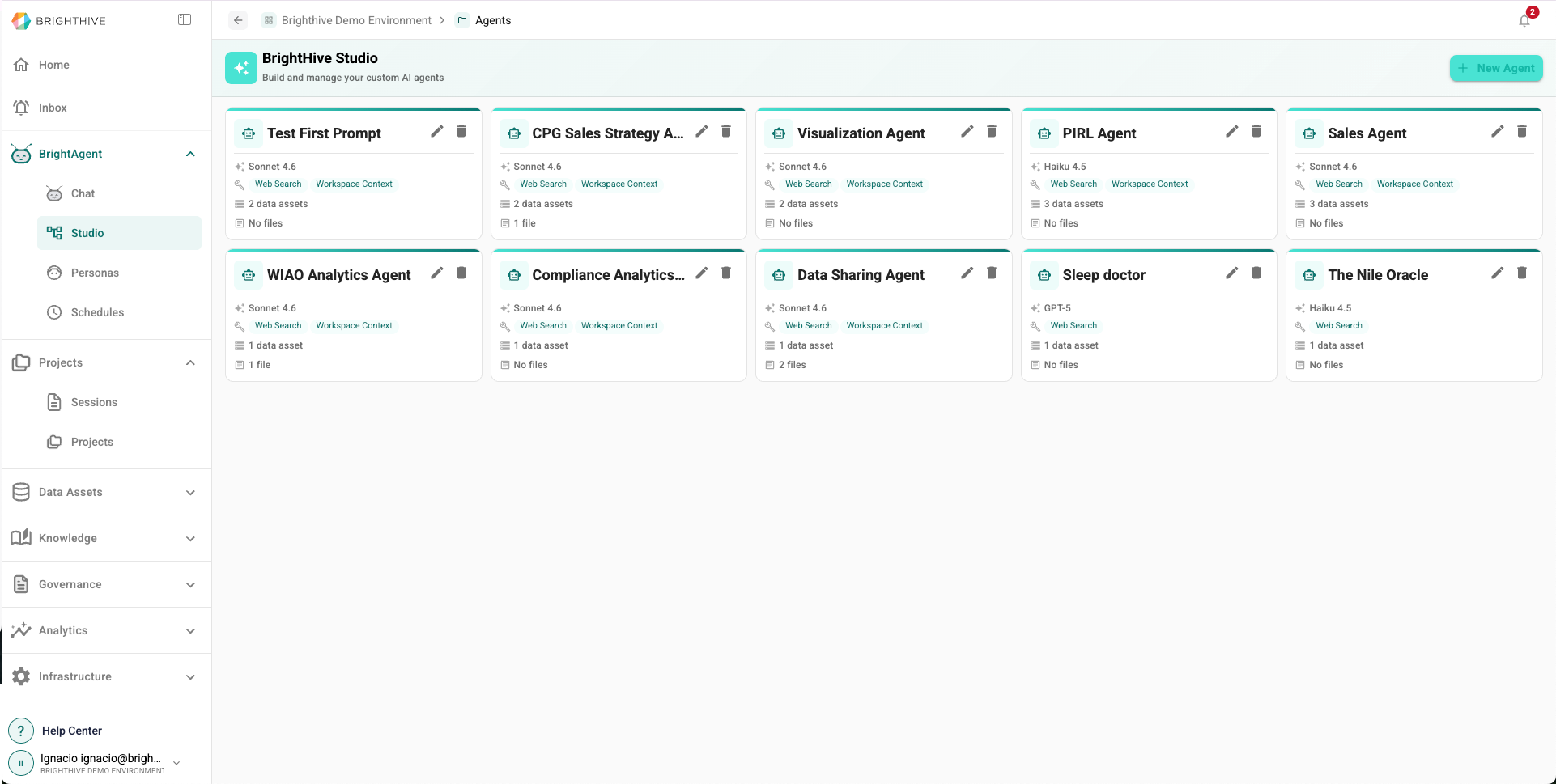
To access all the Custom Agents available in your Workspace:
Click "BrightAgent" on the left side of the platform
Click "Studio" on the list of options deployed
In this view, you can access the following information about each Custom Agent:
Name
LLM Model
Allowed Tools
Number of Data Assets associated
Number of Documents associated