Brighthive Studio
Last updated: April 18, 2025
The Brightbot Studio page is visible to all members in the workspace.
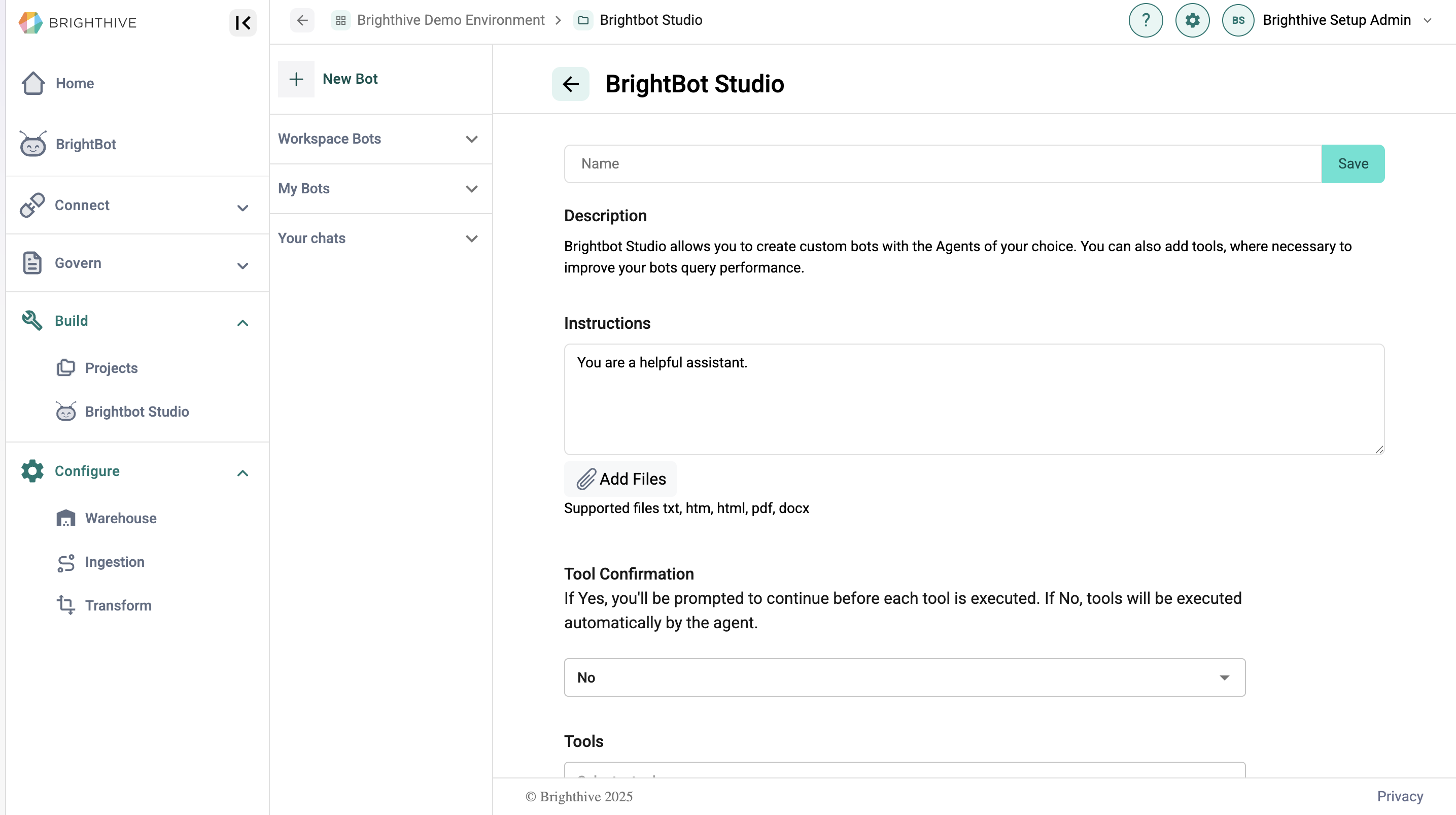
The Brightbot Studio page allows users to create and engage with custom agents to support with specific tasks. Users can create new agents in the "Workspace Bots" or "My Bots" page, select from Chatbot, RAG, and Assistant frameworks, and provide the Bot with instructions on how to complete their relevant tasks.
Once a Bot is created, users can engage with them in the "Your chats" page. This allows users to test their bot's performance and make adjustments to prompt language, tools, and LLM models.
The Brightbot Studio page can be accessed through the "Brightbot Studio" section under the "Build" tab.