How to Switch Workspaces
Last updated: April 2, 2025
The ability to switch between workspaces will only appear if user log-in is associated with more than one workspace.
- Click the drop-down arrow that appears next to user's name in the upper right-hand corner of the screen.
- Click “Switch Workspaces”.
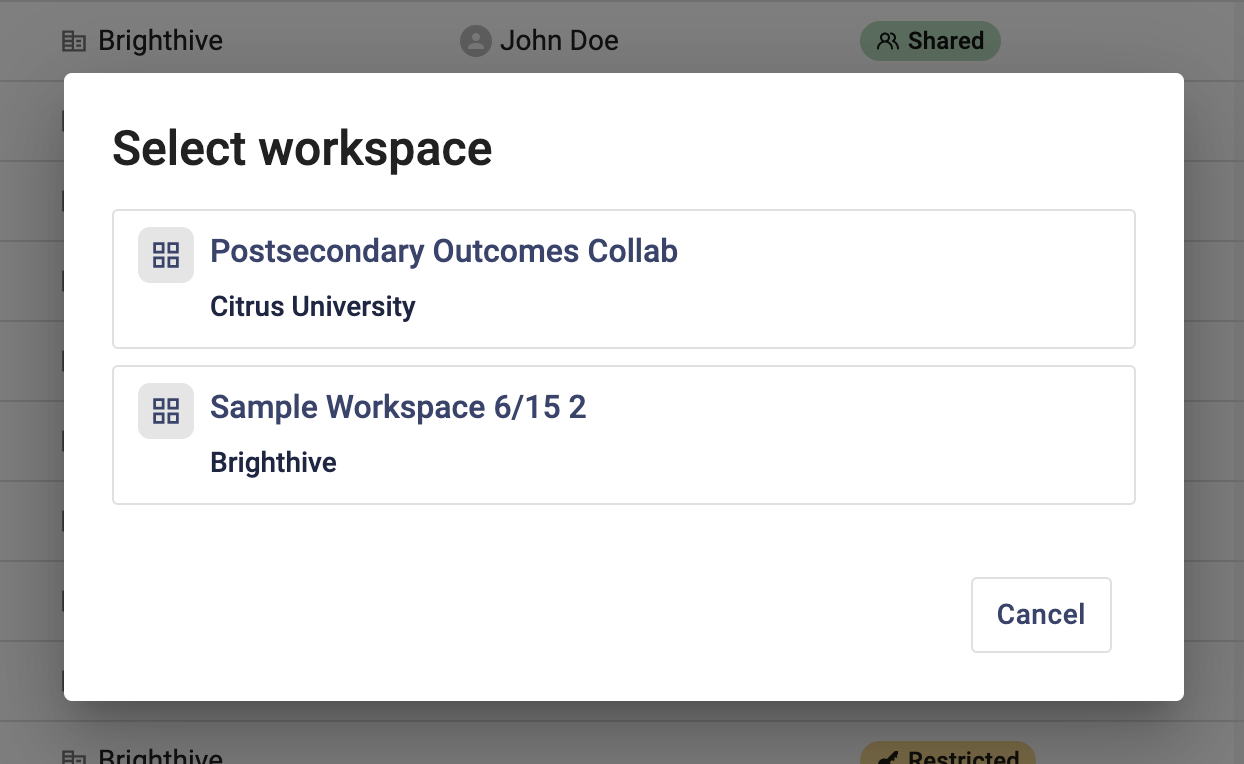
- A pop-up window will appear, select from the window which workspace to enter.
4. User will be redirected to the Projects Page of the selected workspace.