Data Asset Catalog
Last updated: April 2, 2025
Data Asset Catalog is visible to members with Admin and Collaborator permissions. Contributors can only view their data assets within projects where they are Contributing Members.
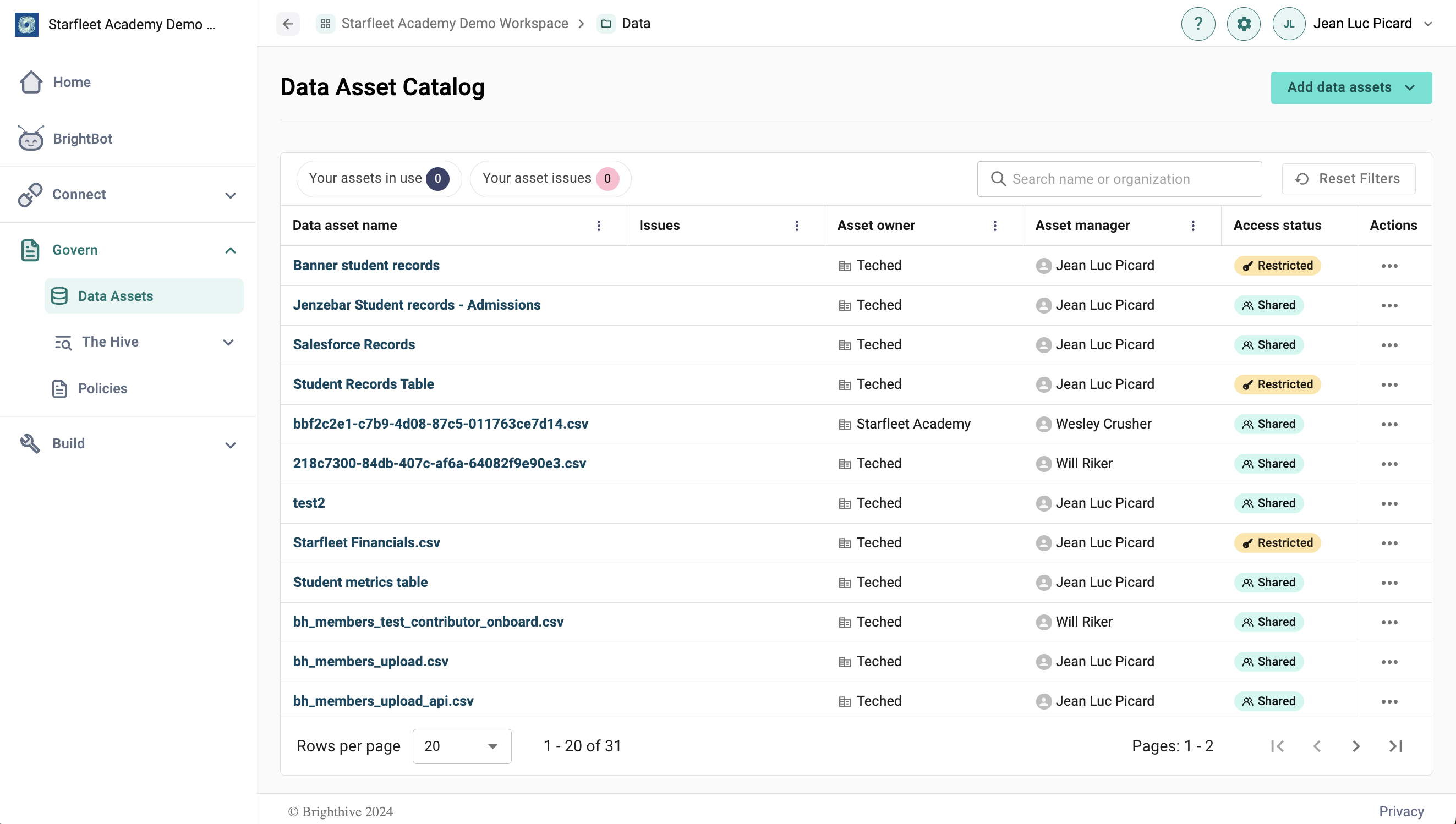
The Data Asset Catalog contains information about all data assets within a workspace.
The Data Asset Catalog shows various details about each data asset, including asset name, owner, manager, status, data updated, number of associated projects, sensitivity and PII, refresh status, and asset status.
To view Data Asset Details for a specific asset, simply click the name of each data asset. The asset details page will show additional asset details, as well as the asset schema. Asset overview and schemas can only be edited by the asset manager.
To add a new Data Asset, or update an existing on, select the "Add Data Asset" button in the top-right corner.