Projects
Last updated: April 2, 2025
The Projects page is visible to all members in the workspace. Admins, Collaborators, and Viewers can access all projects in the workspace. Contributors can only access projects where they have been added as Contributing Members.
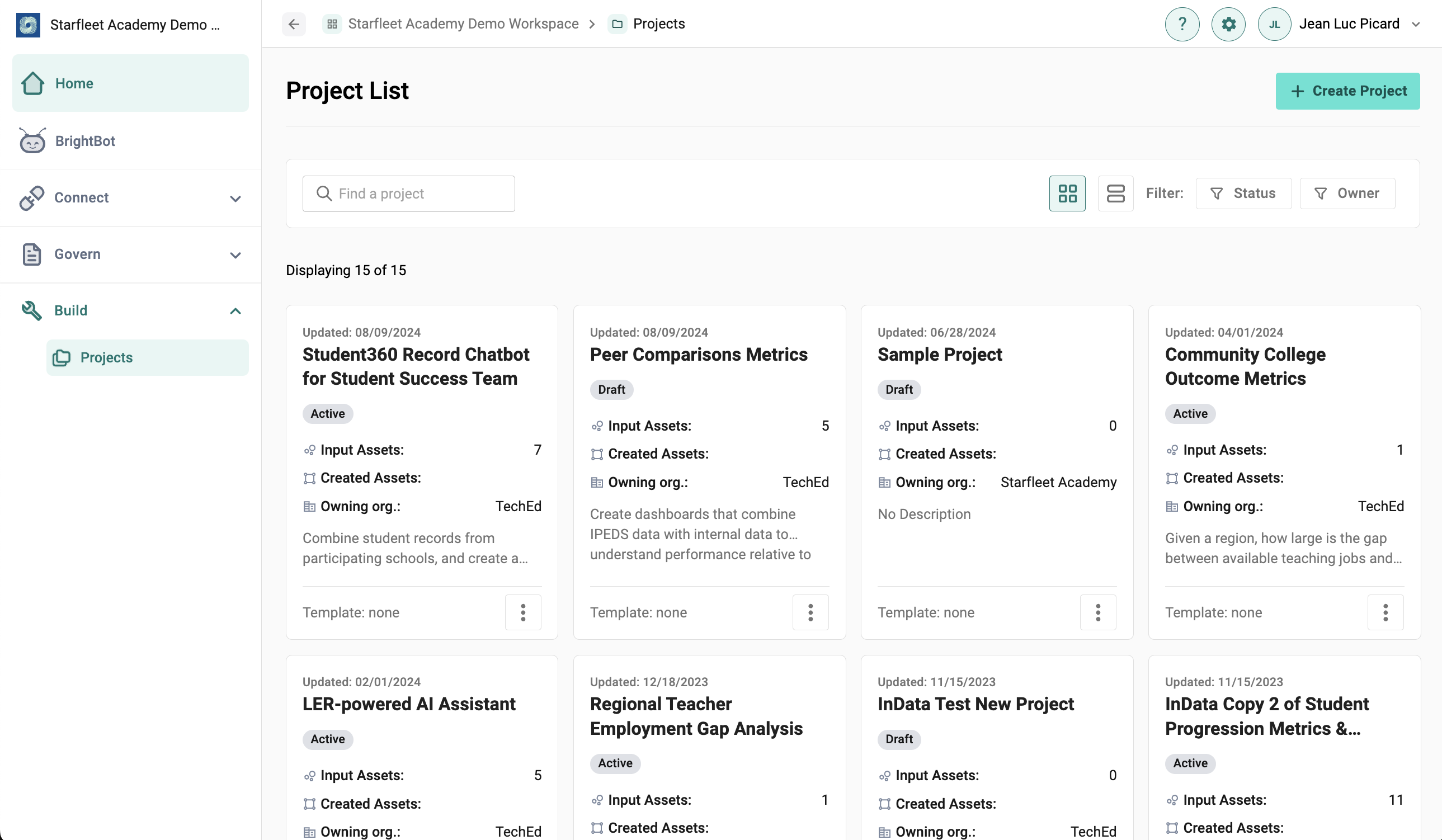
The Projects page shows all projects within a workspace, and can be viewed in Card and Table view. Users can filter by Project Status and Organization Owner in the Projects page.
Users can click on a project to view Project details. Project details include the Project Overview, Schemas, Flow, Data Assets, and final Data Products.
To create new Projects, Admin users can select the "Create Project" button in the top-right corner. Once a project is created, users can add a project summary, set project goals, and add background materials. To allow users to edit, Project Owners can add Collaborating Organizations and Contributing Members to each project.