View details of Term in Glossary
Last updated: July 28, 2026
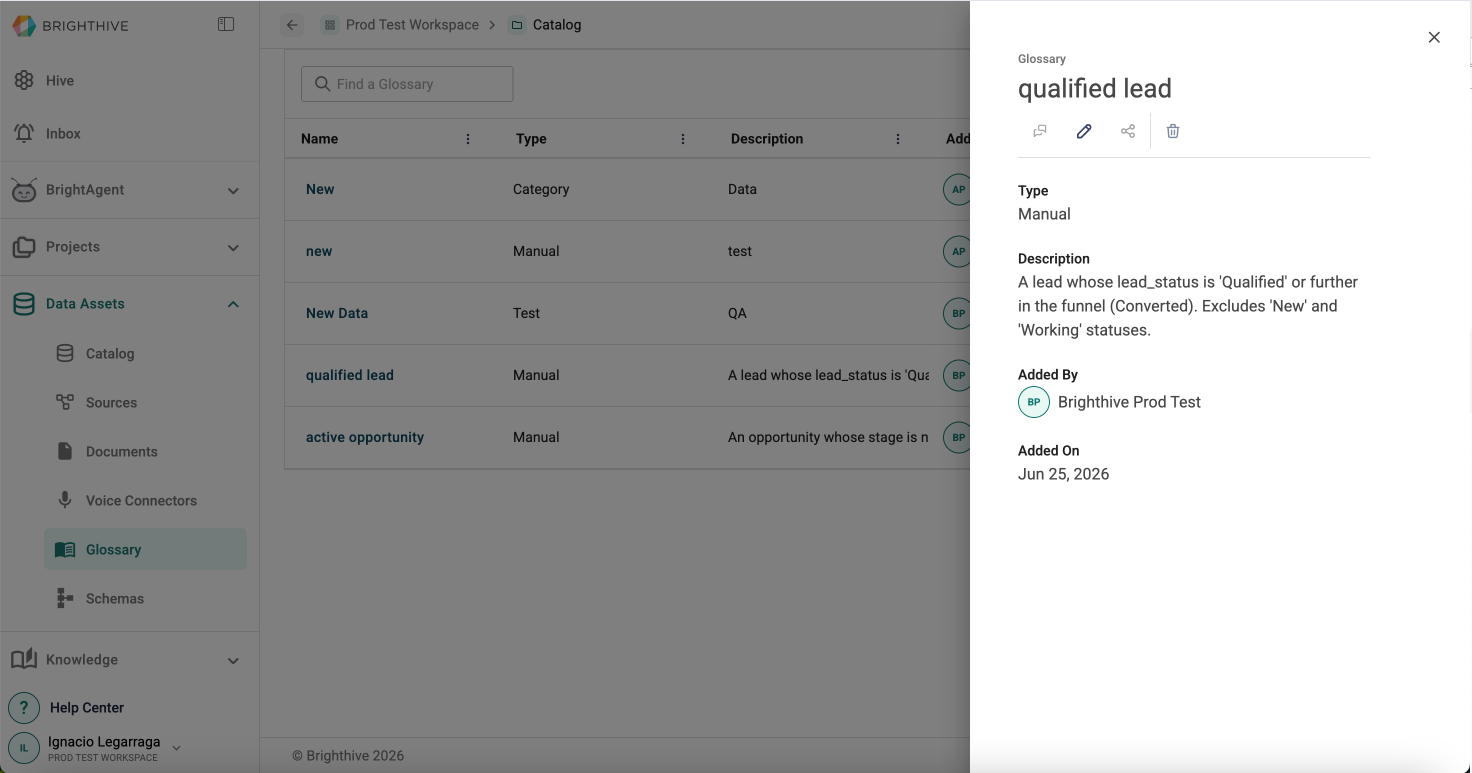
To access details of each Term available in Glossary:
Option 1:
Select "Data Assets"
Select "Glossary"
Click the "Name" of the term you wish to view details
Option 2:
Select "Data Assets"
Select "Glossary"
Click "..." of "Actions" column of the Term you wish to view details
Click "View Details"
In this view, you can access the following information about each Term:
Name
Type
Description
Added By
Added On