Sources
Last updated: April 18, 2025
The Sources page is only visible to members with Admin permissions.
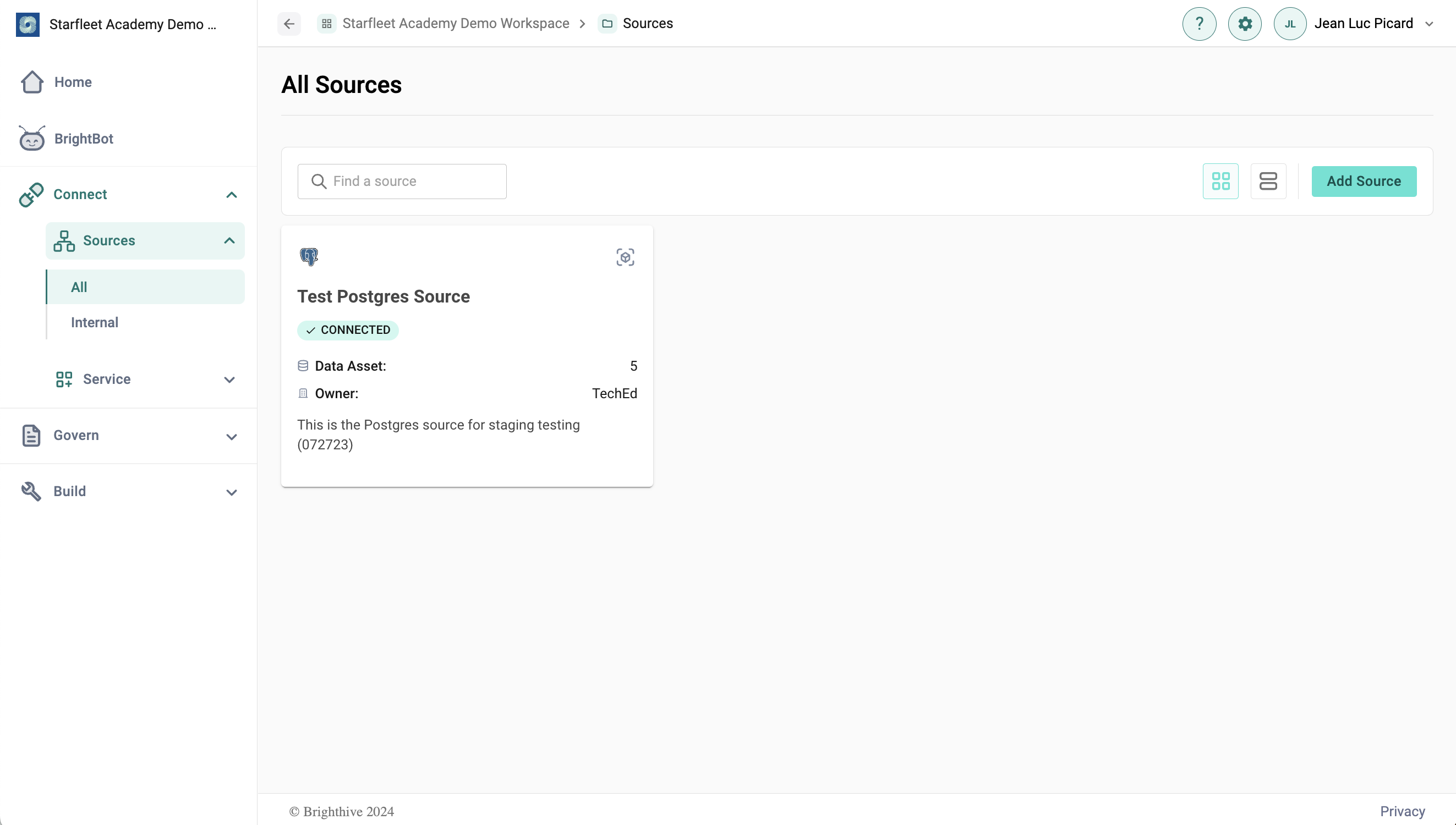
The Sources page allows users to view and add new data sources to their Brighthive workspace. Workspaces must have Airbyte configured as a Service to add Source Connections to their workspace.
To view Source details, users can click the card and see source notes, owning organization, source manager, supporting documentation, and number of associated data assets.
To add a new Source, users can select from 350+ self-service integrations connected through Airbyte. Learn more about Brighthive integrations here.