Policies
Last updated: April 18, 2025
Policies is visible to members with Admin, Collaborator, and Viewer permissions.
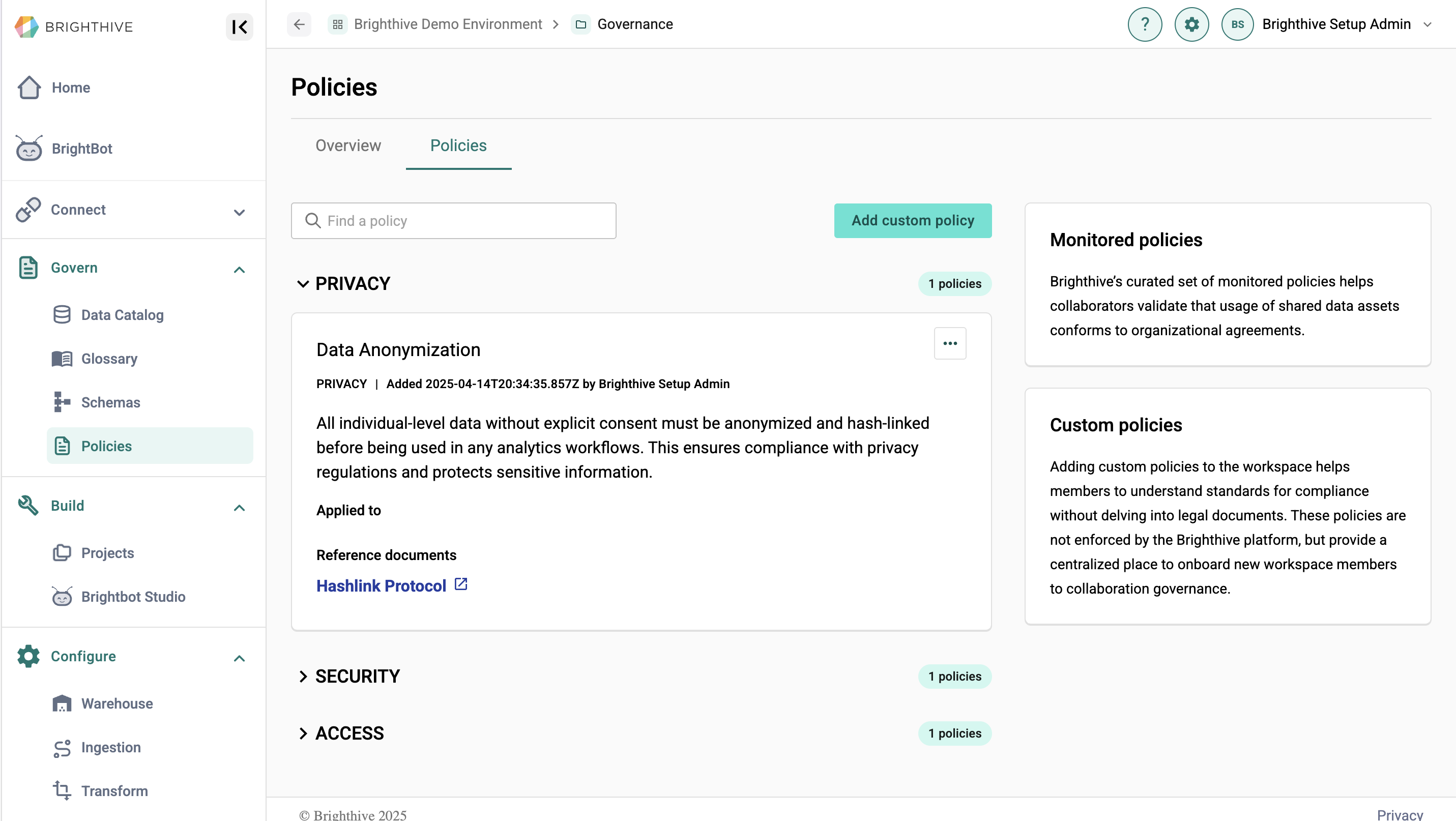
The Policies page allows users to view and update policies within their Brighthive workspace. The page is broken into two main parts; Overview and Policies.
The Overview tab shows workspace details, including workspace name, description, governance type, goals, and legal and reference documents. Users can also view the list of approved organizations within the workspace. Only Admin users can edit workspace details in the Governance page.
The Policies tab details specific policies within the workspace. Policies are grouped by category, including access, privacy, and security. Admins can create custom policies and link relevant reference documents. All users are asked to agree to a workspace's policies when creating an account.