Create a New Custom Agent
Last updated: April 2, 2025
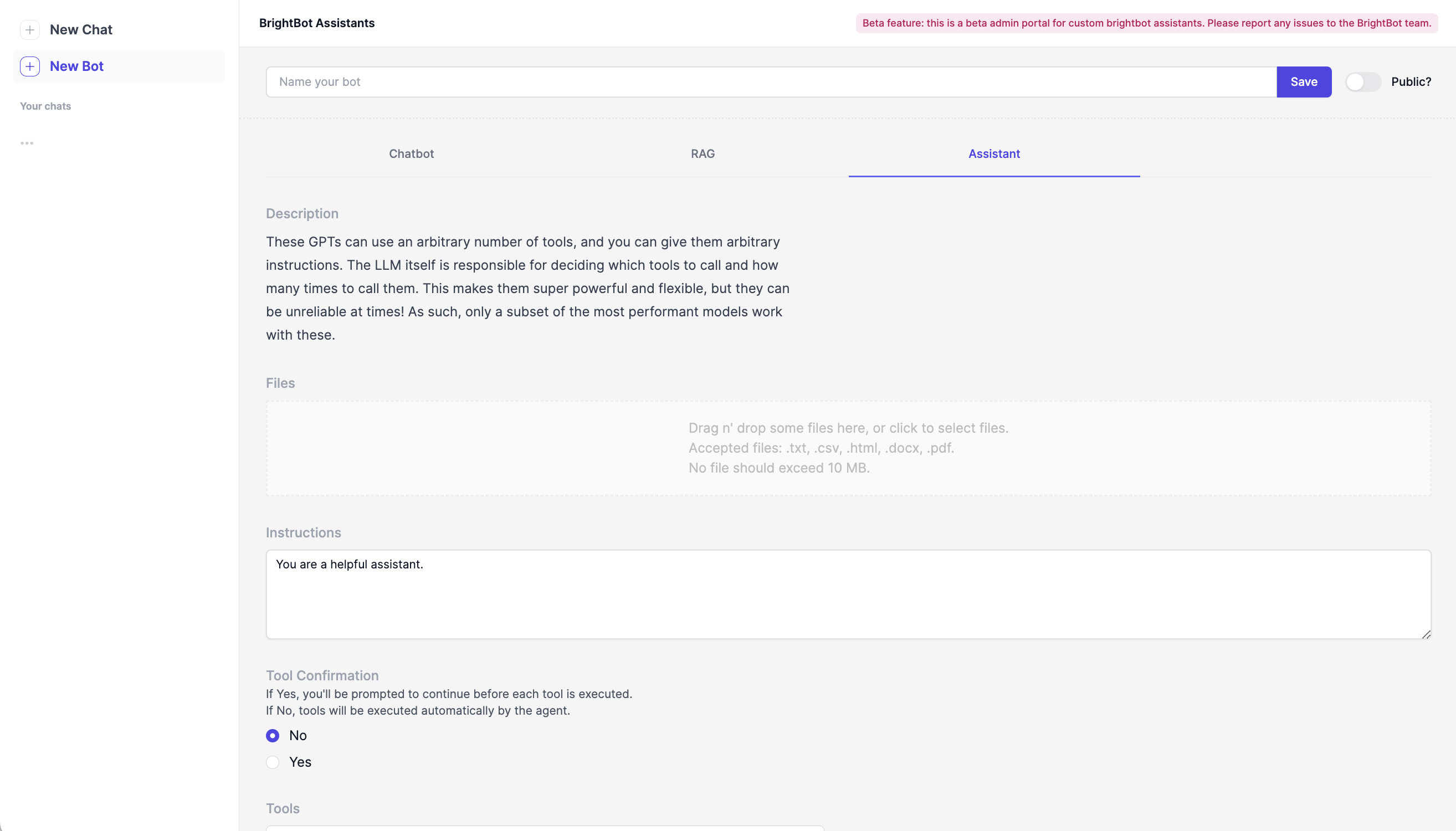
View of the BrightBot Assistants Admin Portal.
The admin portal of the BrightBot Assistants page allows users to create and interact with custom BrightBot Assistants using on their customized instructions, data, and tools. New bots can only be edited by the user who created them, and are private by default.
To share a bot, toggle on "Public" in the top-right corner of the bot instruction page.
When creating a new bot, users are prompted to select from the following options: Chatbot, RAG, and Assistant. Learn more about their differences below:
-
Chatbot: Instructions
- Chatbots are the simplest option, and only require users to add instructions for the bot to follow. Chatbots are suited for use cases where the bot needs to perform a specific task, but does not necessarily need to call any external information to complete it.
-
RAG: Instructions + Data
- RAG stands for Retrieval Augmented Generation, and represents an architectural approach where LLMs can retrieve information from specific data sets to improve the model's accuracy for specific use cases. RAG Bots are suited for use cases where it is important for the model to call from up-to-date information or domain-specific knowledge.
-
Assistant: Instructions + Data + Tools
- The most complex of our three options, Assistants use a combination of instructions, data assets, and tools. By adding tools to a bot's disposal, an Assistant can initiate actions on a user's behalf, calling from APIs to retrieve specific information. Interested in adding your own tool? Reach out to Brighthive Support.