Best Practices for Custom Agents
Last updated: April 2, 2025
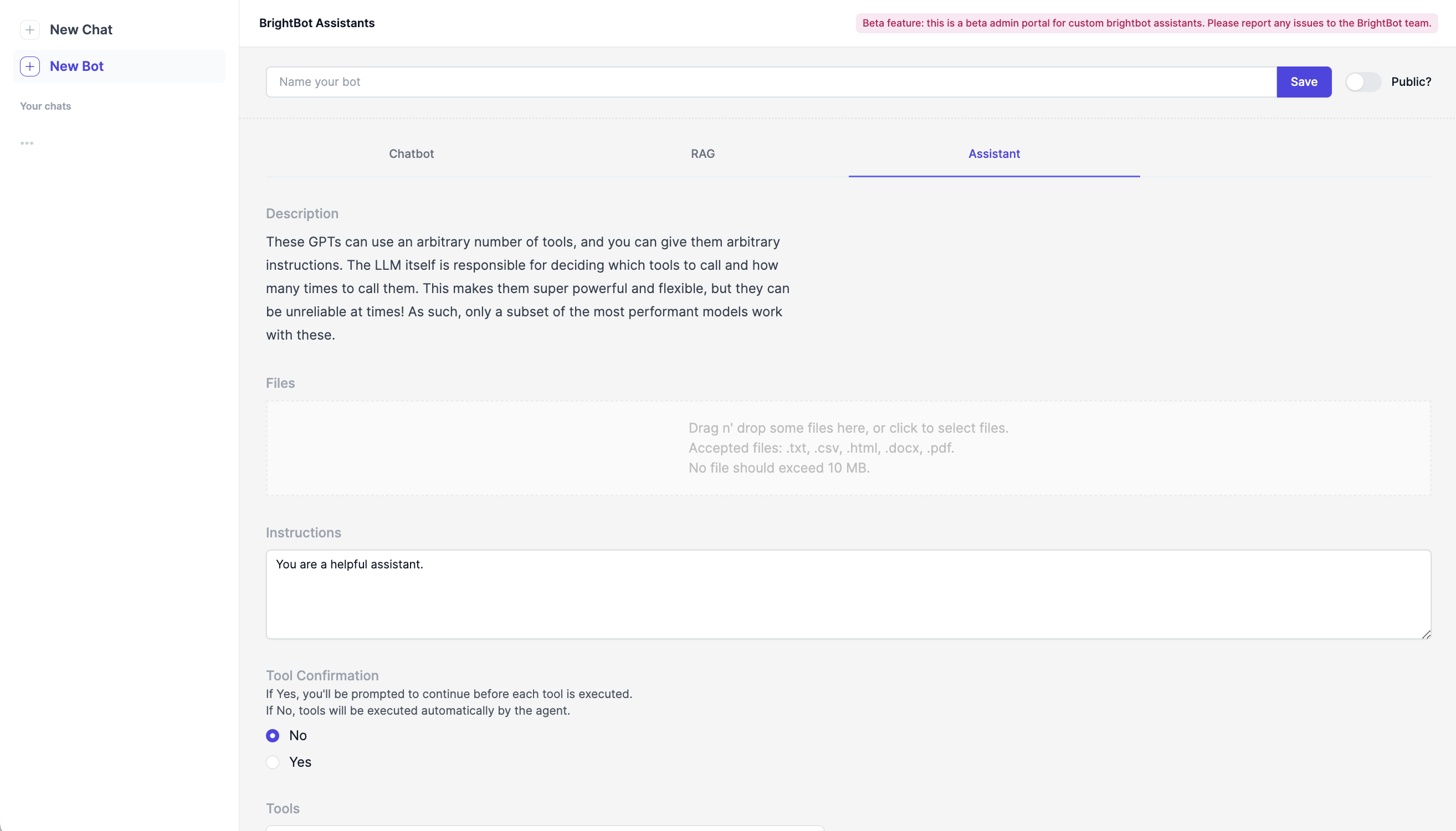
View of the BrightBot Assistants Admin Portal.
Establish clear goals. Clearly describe the agent's purpose to align behavior with an intended goal or output. This information will help anchor the agent as it processes information during a chat session.
Be explicit in your instructions. In the instructions, tell the agent exactly what you need from it. Even if the information may seem unnecessary to a person, instructions on tone, common questions, and desired outputs can be helpful guardrails for a computer program. Additionally, laying out a step by step approach to problem solving will help guide the agent in its reasoning process.
Remind it not to hallucinate. If your agent is looking up and providing information to a user, be sure to tell it not to make up an answer if it cannot find one (the computer will always try to give you something!). Like a new intern, you can tell the agent that it is ok to tell the user it doesn't know the answer.
Include examples where relevant. Is a specific tone or resource important to achieve with your agents? Give them an example! These will help the agent achieve a specific desired outcome more reliably.
Test different LLMs. Brighthive allows the choice between a variety of different LLMs, from Gemini to GPT 4o. Each model will instruct the bot differently, and changes are constantly being pushed to these publicly available tools. If you aren't seeing consistent answers with one LLM, switching to another could an easy way to adjust performance.
Interested in understanding different LLM performance? Learn more about LLM benchmarking here: Comparing LLMs for Custom Agents.
Try it out! Not sure what instruction to include, or which tool to call? Try it out! Go to "New Chat" in the top left corner to start a chat with your new custom agent and test the bot's performance against your stated goals. Adjust the instructions, tools, or LLM as needed and test against the original performance until you see the desired outputs.