Setting up Project Overview
Last updated: April 2, 2025
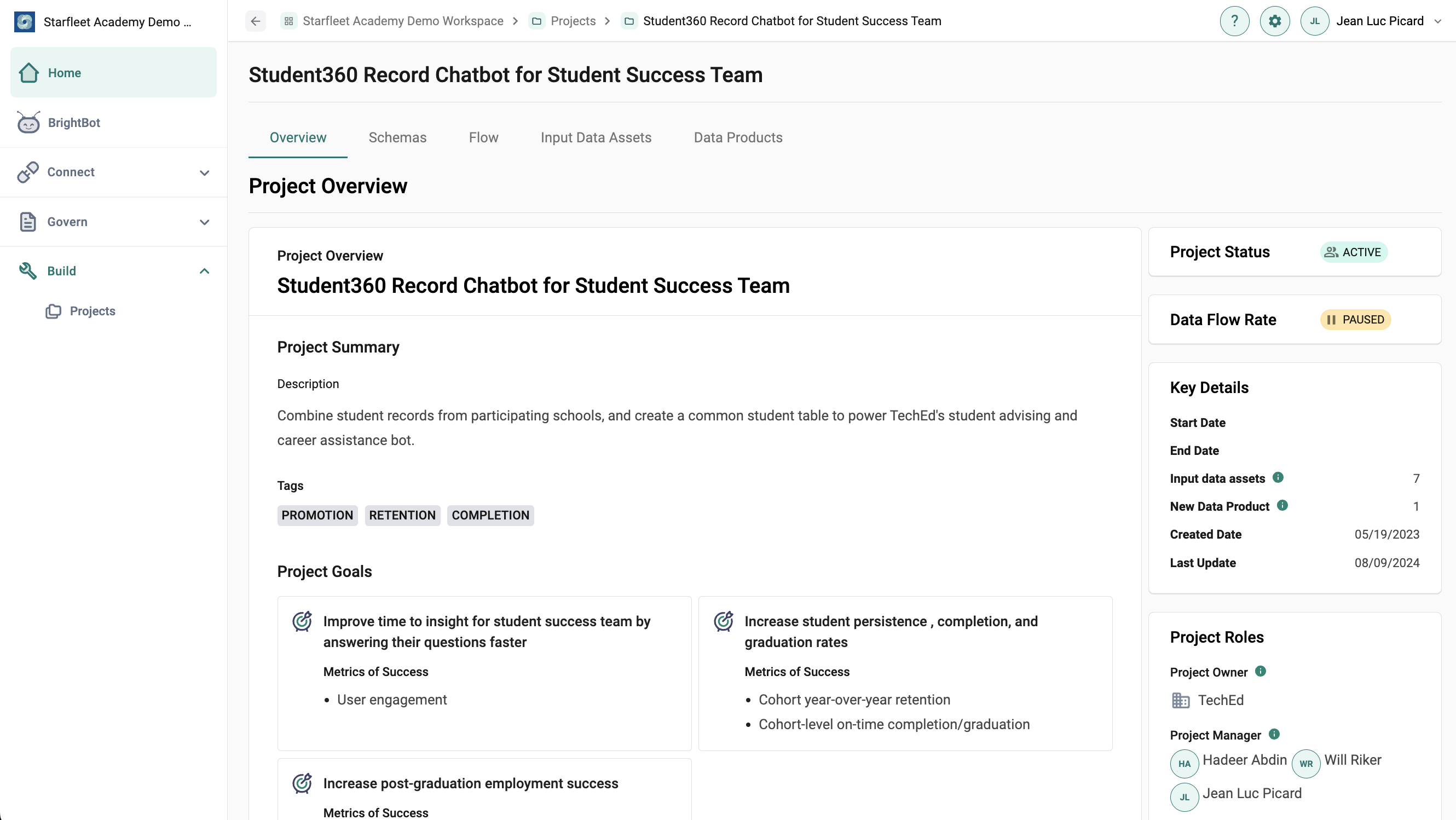
Admin view of the Project Overview page.
The Project Overview is a user's home base for setting up their data project. Project Overview can only be edited by the user who created the project (the Project Manager) and users added as Contributing Members.
In the Project Overview, Project Managers can add details about the current project, including:
- Description: Adding context for teammates and stakeholders
- Data Product Type: Choose between Final Data Product (utilized by individuals other than the creators) or Proof of Concept (reserved for the creators and collaborators; whether concept will move from theoretical to tangible reality) to communicate the intention behind the project output
- Project Owner: Which organization owns the project
- Tags: To filter and group projects together
- Data Consumers: Which stakeholders are the intended recipients of the final data assets
- Project Goals: Including metrics of success to guide project development
- Background Materials: Including a link title and URL
Project Managers can also update:
- Project Status: For details on project status options, see the article on Project List.
- Key Details: Including project start date and end date
- Project Roles: Adding Project Managers and Contributing Members