View details of all existing Data Assets
Last updated: July 28, 2026
The Data Asset Catalog is a registered catalog of all the data available in or created by a specific Workspace. It allows the user to view the inputs available along with the data products that have been created by or within a Workspace.
You can view all existing Data Assets in your Workspace in the Data Catalog Landing page.
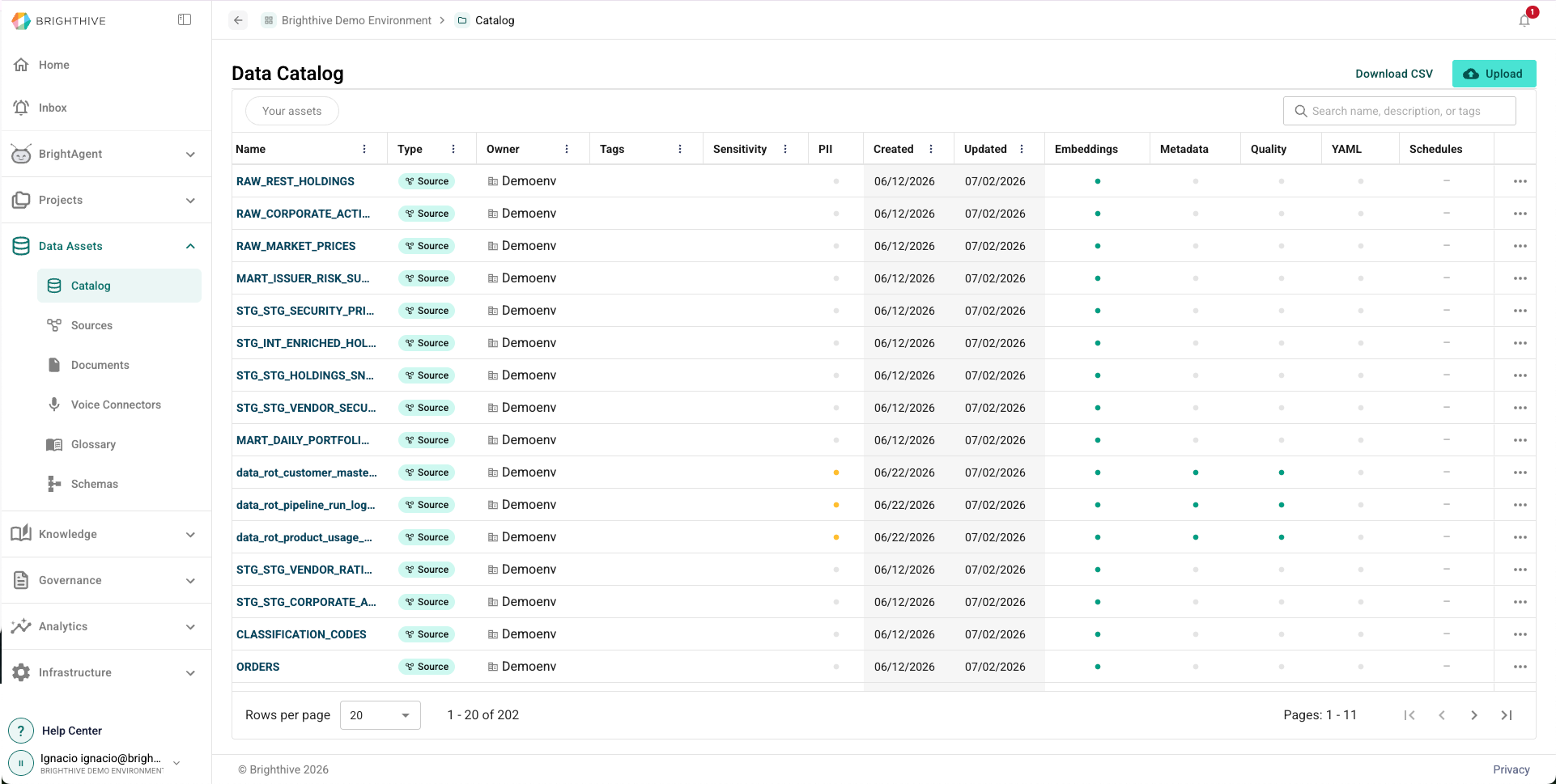
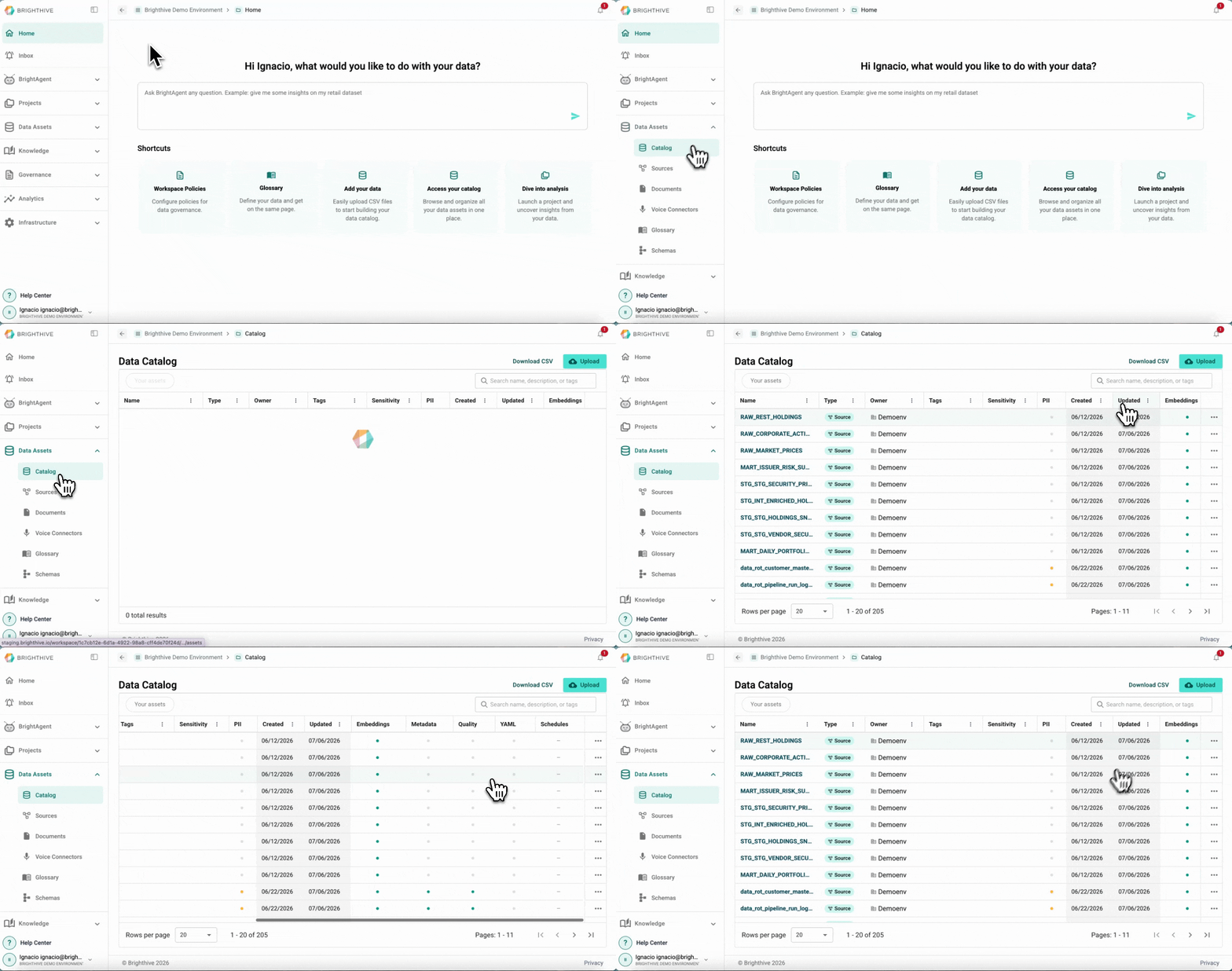
Data Catalog landing page
To access all the Data Assets available in your Workspace:
Click "Data Assets"
Click "Catalog"
In this view, you can access the following information about each Data Asset:
Name
Type
Owner
Tags
Sensitivity
PII
Creation date
Last update date
Embeddings
Metadata
Quality
YAML
Schedules
Data Asset Details
To view advance details of a particular Data Asset:
Click "Data Assets"
Click "Data Catalog"
Click on the name of the Asset you wish to review
You can access the following tabs about each Data Asset:
Overview
Name
Description
Tags
Asset Owner
Asset Managers
Asset Status
Asset type
Data sensitivity
PII types
Asset-specific policies
Source
Connection
Data refresh
Storage service
Asset size
Brighthive table name
Refresh status
Creation date
Last update date
Data Asset Schema
Field Name
Data Type
PII
Description
Data Requirements
Quality Report
Historical Quality Reports
Quality rules applied to the Asset
Profiler
Preview
Schedules
Task
Schedule
Last Run Status
Last Run
Last Message
Result
Semantic View