Viewing Projects - Project List
Last updated: April 2, 2025
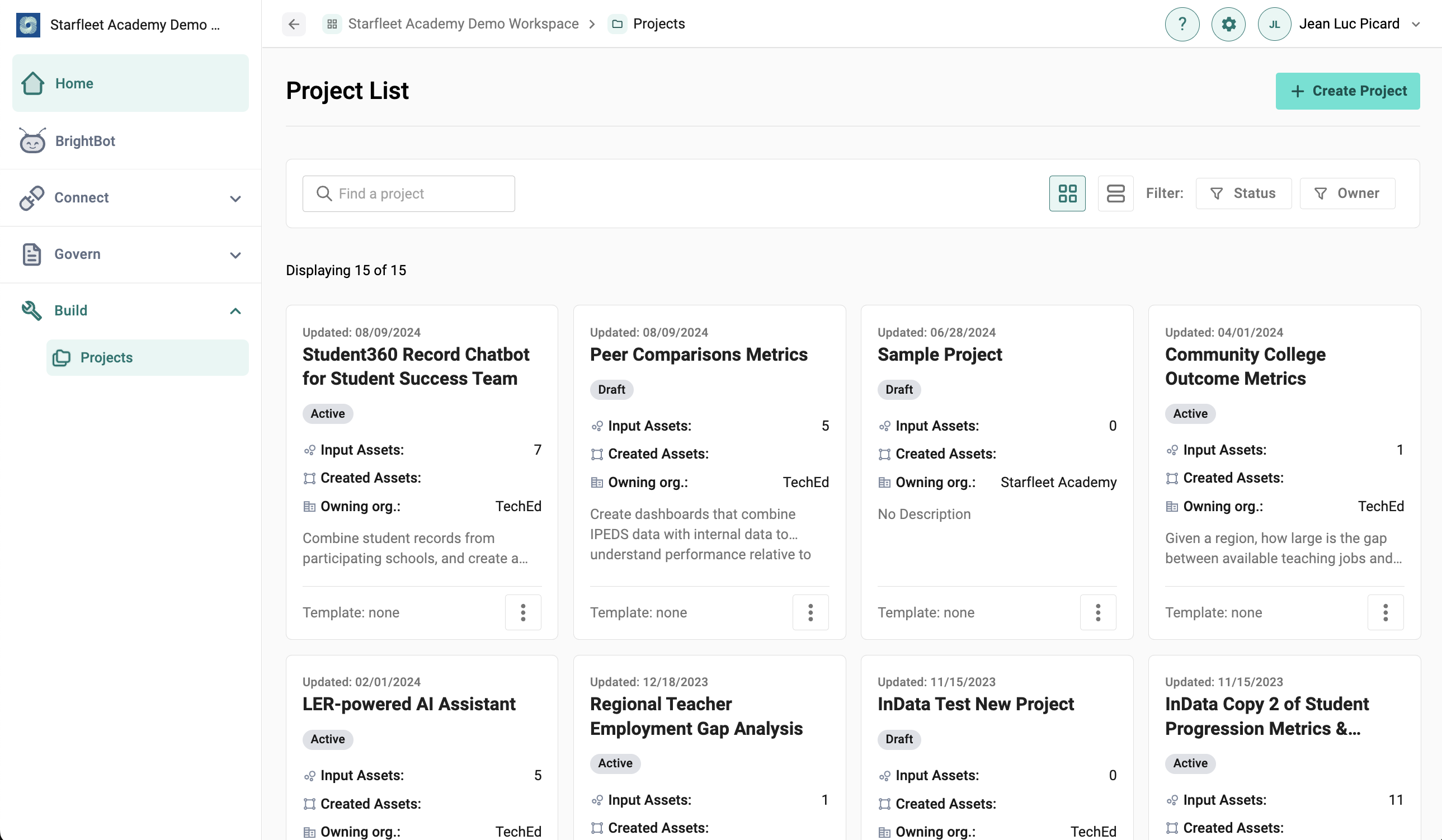
Admin view of the Projects page in Brighthive.
The Project List provides a one-page visual overview of all projects that user and collaborators are engaged in. The Project List can be viewed in Card View (seen above), or Table view. In table view, users can sort and filter by all rows in the table.
In Card View, users can sort by Organizational Owner and Project Status. Project statuses include:
- Active: For projects that are currently being worked on and visible across teams
- Complete: For projects that are fully configured, but not yet shared externally
- Draft: For projects in planning stages and only shared amongst teams/collaborators as they gain traction
- Private: Projects are only viewable by the user who created them
- Published: For projects that are complete and shared externally
- Archived: Projects are still accessible, but are filtered out of the default Projects list.