Disable a GitHub repository from your Workspace
Last updated: July 28, 2026
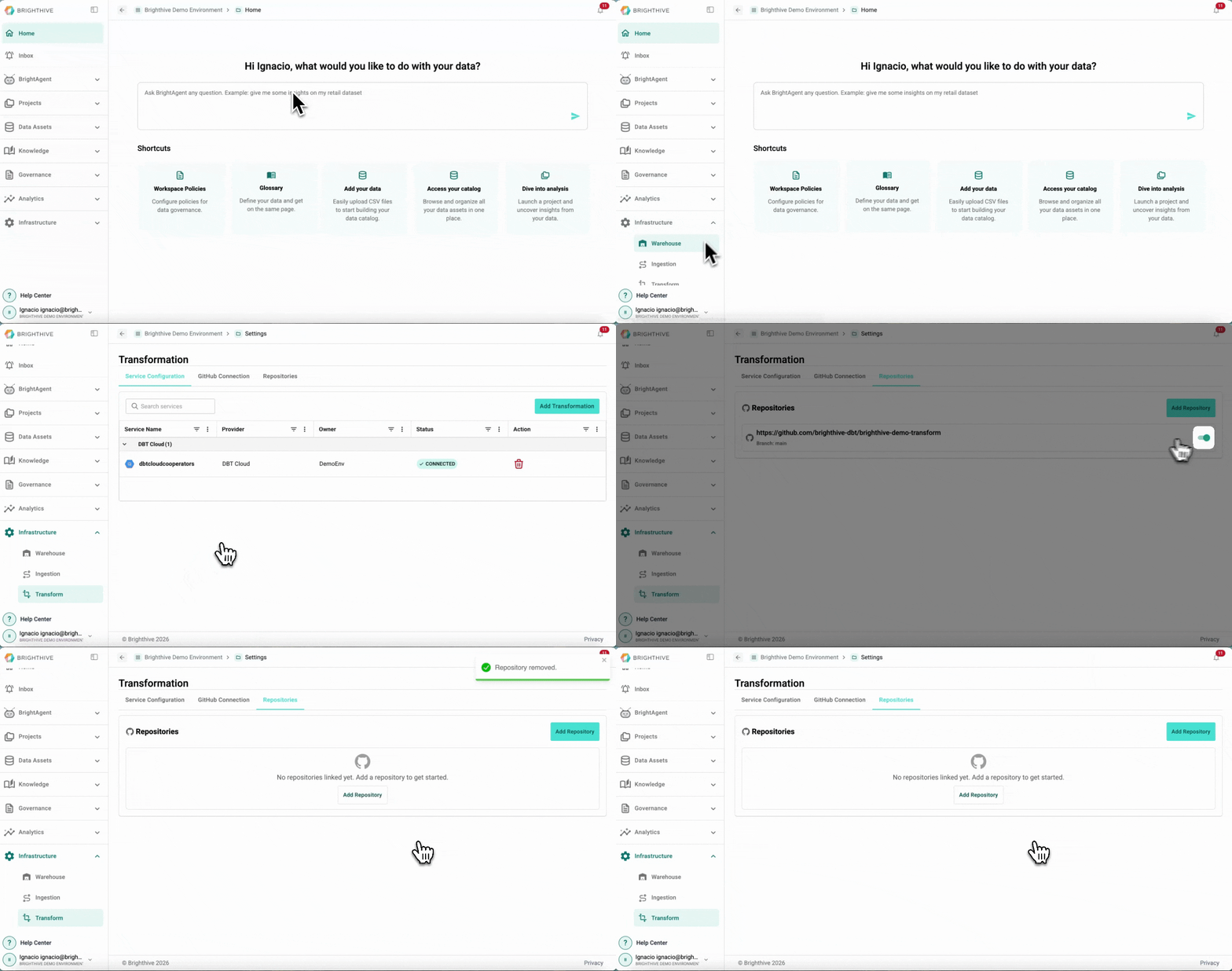
To disable a GitHub repository from your Workspace:
Click "Infrastructure" on the left side of the platform
Click "Transform" on the list of options deployed
On the "Repositories" Tab, click the switch on the right side of the repository you wish to disable
On the popup window, confirm by clicking "Disable"