Add A Source Connection
Last updated: June 26, 2025
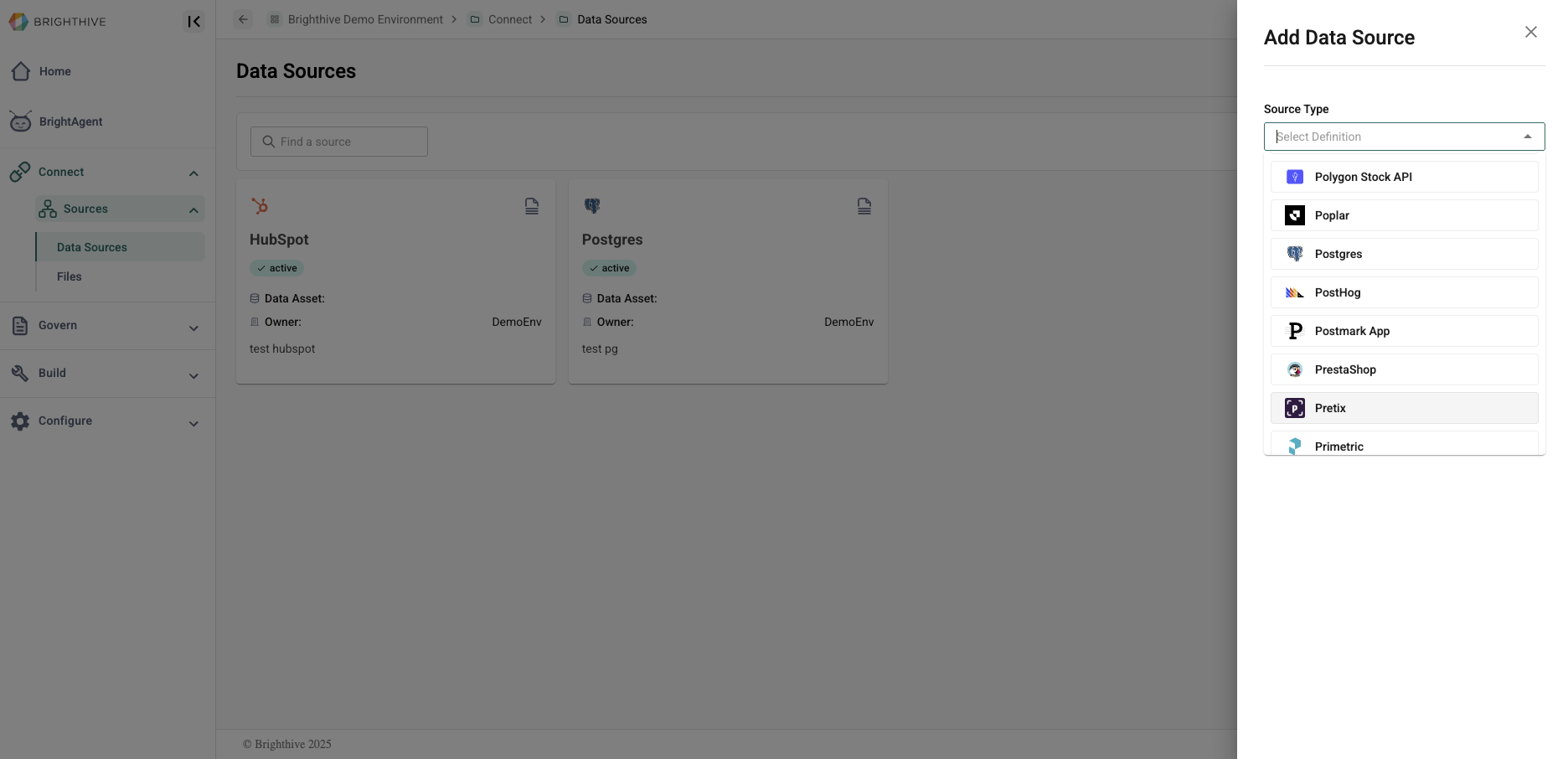
Admin view of the Sources tab.
Brighthive is an integrations-first data platform that supports metadata source integrations and direct data sources. These connections allow data uploads to the workspace directly from a source data partner site.
Source connections can be managed in the "Sources" page of the Brighthive workspace. Only Workspace Admins are able to view, edit, and add source connections.
Data Source Integrations:
Brighthive uses the Airbyte open-source protocol to support 350+ self-service integrations. Click here to view the full list of integrations.
Brighthive can also create custom connectors that run as docker images using the same Airbyte protocol. Interested in a custom connector? Reach out to support@brighthive.io.
In the Sources page, select "Add Source"
Select source type from the list of available integrations
See more details on available source integrations here.
Add source details
Hit "Submit"
Source details vary based on the source type. Required details for all sources include Source Name, Description, Documentation URL, and Connection Schedule.
Interested in adding more?
Brighthive supports a variety of Data Source Connections in addition to our Airbyte-powered integrations. Learn more about additional Data Source Connectors, and the connections included in the Brighthive Core connector package.